
An AI teammate.
Your way of working.
Build AI agents around the customer questions, knowledge and processes your team knows best.
Define the role. Add trusted information. Bring setup, testing and review into one workspace.
Give your agent more
than a script.
Customer conversations do not always follow a straight line. Give your agent a clear brief and give your team a practical way to manage it.


Knowledge you manage.
Bring product information, policies and FAQs into the agent’s knowledge. Keep the source material in your team’s hands.
Add PDF, Word, Excel or PowerPoint ↓A process you define.
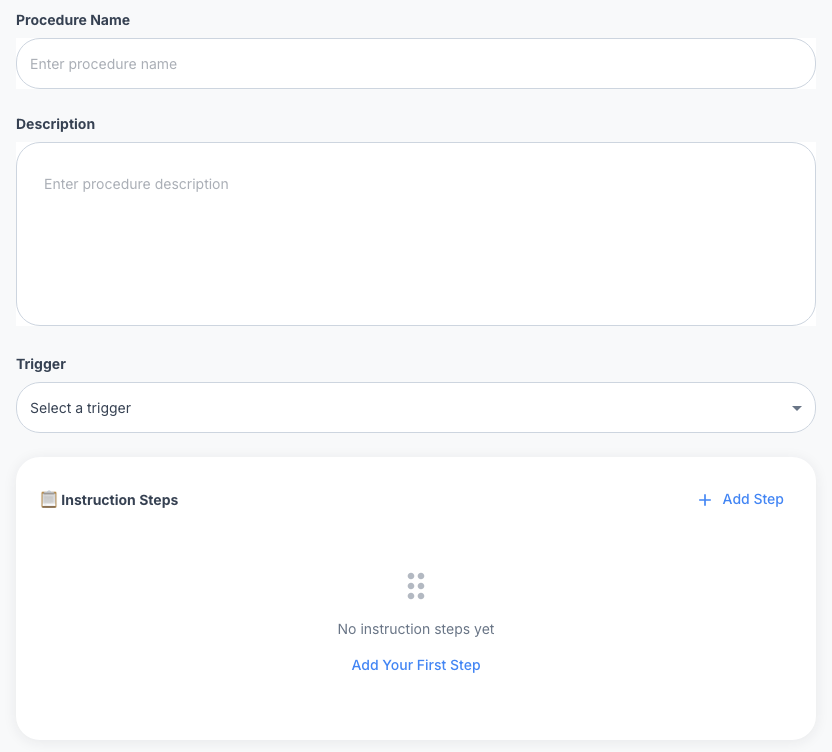
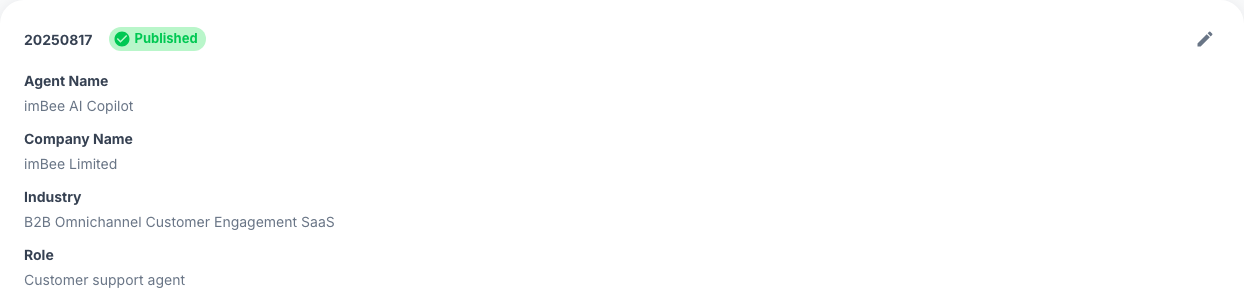
Set a role, write instructions and configure procedures with triggers and steps. Make the intended way of working explicit.
Work you can review.
Prepare test cases, inspect execution details and review usage. Keep a named owner for the changes that matter.

Bring the conversation
and the process together.
Plan your AI Agent workflow alongside imBee’s omnichannel inbox. Start with the channels your customers use and confirm the agent’s deployment scope and required connections.
Your knowledge.
Your way of working.
Start with the brief your team would give a new colleague: what the job is, which information to use and how the process should work.
Give every agent
a clear role.
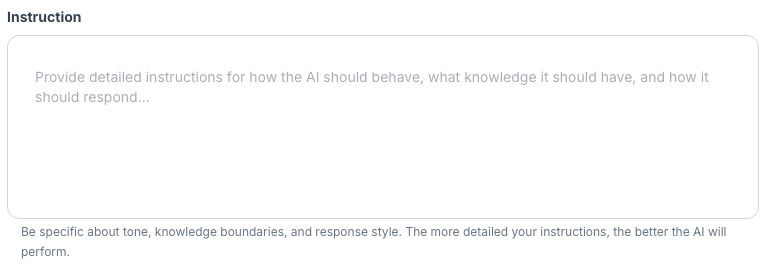
Set its name, company context, role and instructions. Describe the tone, knowledge boundaries and response style you want it to follow.
Put trusted information
within reach.
Organise Documents, Websites, Q&A and Terms. Use the document upload interface and inspect document status.

Go to your agent’s Content Management tab and select Documents.
Click Upload. Drag and drop a supported file or choose it from your computer, then confirm the upload.
Check the document’s processing status in the list before testing questions against it.
Turn the process
into clear instructions.

Define what good
should look like.
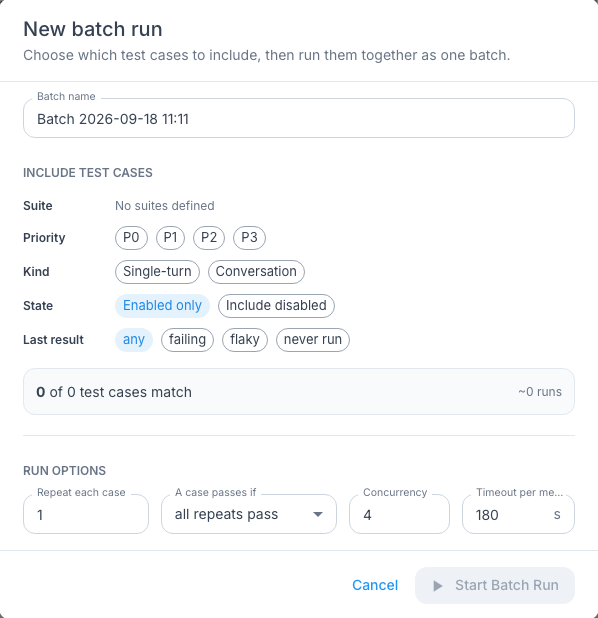
A useful agent needs more than a good first answer. Give your team a shared test plan for the questions and exceptions that matter.
Include routine questions, difficult exceptions and situations that need a person.
Know where
to look next.
Inspect what happened in a run. Use reporting views to guide the next investigation and decide what deserves your team’s attention.
Follow the steps.
Find the issue.
Inspect a run’s status and step timeline. Use the failure view to locate the step and diagnostic detail that need investigation.


Bring usage into
the conversation.
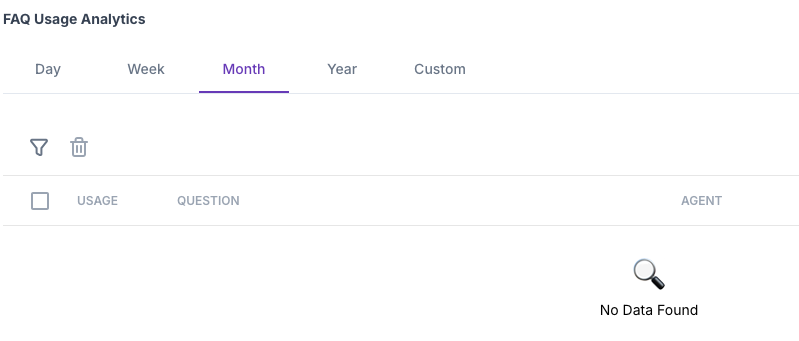
Review FAQ, SOP and Tag usage interfaces by reporting period. Use what you find to decide what needs a closer look.
Built around the questions
your customers ask.
Choose a focused starting point. Agree the knowledge, process and review criteria before expanding the scope.

Delivery and returns.
One shared reference.
Give a service agent approved policy documents, clear instructions and representative questions to check.

Routine enquiries.
Clear boundaries.
Organise approved clinic information and administrative instructions, with clear boundaries for questions that need a person.

金融服務
Structure approved product information and identify questions for a licensed adviser.

服務性行業
Organise property information, amenity questions and booking policies.

後勤
Prepare shipping policies and a defined process for delivery enquiries.

物業管理
Bring property details, viewing information and common tenancy questions together.
Start with a role
your team understands.
Receptionist, sales or support: use the role to define the brief, the knowledge and the questions your team will test.

A clearer
first point of contact.
Define how to introduce the business, cover common enquiries and recognise when a person is needed.

A brief built around
the buying conversation.
Organise product knowledge and the questions that help your team understand a customer’s needs.

A consistent
reference for service.
Prepare policies, FAQs and known issue guidance, with exceptions your team will review.
Start with the
right questions.
A good first conversation makes the scope clear: the job, the knowledge, the connections and how you will judge the result.
How is an AI Agent different from a scripted chatbot?
A scripted flow follows predefined branches. An AI Agent brief brings together a role, instructions, knowledge and procedures. imBee gives your team a workspace to configure that brief, prepare tests and review execution.
Can we use our existing documents?
Content Management includes Documents, Websites, Q&A and Terms. The document upload interface lists PDF, Word, Excel and PowerPoint. Discuss your sources and update process when defining the workflow.
Which channels and business systems can we use?
Start with the channels and systems your workflow needs. The team can confirm available connections, account requirements and deployment scope before you commit to the rollout.
How long does setup take?
Scope comes first: the knowledge, procedures, connections and checks all affect the work. Bring one recurring workflow to the demo so the team can define a practical setup plan.
How should we check the agent before relying on it?
Agree the expected response or action for representative cases, including exceptions. Configure test repeat and pass rules, review outcomes and keep a named owner for changes.
How do we cover security and sensitive information?
Bring your access, data-handling and retention requirements to the discussion. Confirm the controls available for your deployment before adding sensitive information or connecting business systems.
Bring one workflow.
See where to start.
Bring a few representative questions, the documents your team trusts and the exceptions that need a person. Explore how to build the agent and check its work.